Help pages relevant to each aspect of ThermoTun-Online can be opened in a
new window by clicking the "..more" links in each
section. These pages are designed to be moved to the side of your browser
and left open. Further help pages will open in the same window.
Using Thermotun-Online
About ThermoTun-Online
How to use ThermoTun-Online
Understanding Parameters in ThermoTun-Online
There are 5 different cases in ThermoTun-Online, and each has a detailed
help page detailing input parameters and output. Select the help file for
the relevant case below.
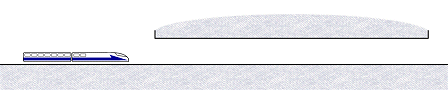
Case 1. Single train in a tunnel
A single train passes through a simple tunnel
|
Case 1 Help
|
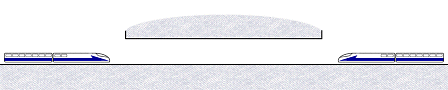
Case 2. Crossing trains in a tunnel
Two trains cross within a simple tunnel
|
Case 2 Help |
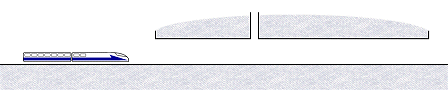
Case 3. Tunnel with an airshaft
A single train passes through a tunnel with an airshaft
|
Case 3 Help
|
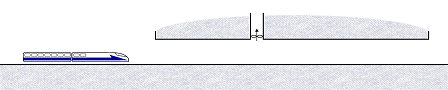
Case 4. Emergency ventilation
A train comes to a rest within the tunnel. Then a fan is switched
on.
|
Case 4 Help
|
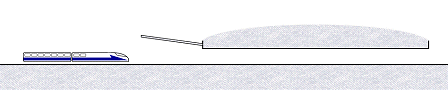
Case 5. Flared entrance to reduce
pressure gradients
A train passes through a tunnel with a flared entrance region.
|
Case 5 Help
|
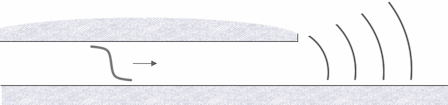
6. Micro Pressure Waves
A pressure wave reflecting at the portal results in a disturbance
outside the tunnel.
|
Case 6 Help |
|
